Editing images with AI
2018-10-16 — 2026-05-05
Wherein a Distinction Is Drawn Between Instruction-Following Editors and Single-Task ML Tools, With Attention to Specialised One-Trick Startups Now Rendered Redundant by General-Purpose Models.
This page is about editing an existing image with ML, as opposed to generating one from a prompt. Pairs well with a good front-end client. You could skip AI, of course, and simply GUI image editors, or classic editing automation.
This list will rot. The state of the art in image-editing models moves in months, sometimes weeks. Hours, even, if you are on the right Discord servers. For something current, the trending tab on Hugging Face, the news threads at r/StableDiffusion, and CivitAI are better than this notebook.
There was, around 2019–2023, an efflorescence of small ML companies doing one trick each — sharpen, upscale, remove a background, restore a face. Most have been bought up by Adobe, abandoned, or made redundant by general-purpose models. We will not eulogize them here. The survivors are below.
1 Instruction-following editors

One interesting category is image plus a text instruction in → edited image out. “Remove the lamppost.” “Make this a watercolour.” “Extend the canvas to 16:9 and fill the new space with sky.” This shares a lot of plumbing with the text-to-image pipeline.
For the sake of making this a notebook, I subdivided into three categories:
- Open-weights edit models that we can run on our own GPU or via API. Most flexible, slowest to set up.
- Closed hosted edit endpoints from the big labs. Fast, cheap-per-call, opaque.
- Frontier multimodal LLMs with image editing baked in. The chatbot we use for text now also edits images, often well, with the conversation history as implicit context.
Some models:
- FLUX.1 Kontext (Labs et al. 2025). Come from Black Forest Labs, the post-Stability splinter group that built the Flux family. Open-weights “dev” version (non-commercial), but the “pro” / “max” ones are paid and via API. The first open-weights edit model that doesn’t feel like a toy — runs in ComfyUI / InvokeAI alongside generation pipelines. 12B parameters. On a Mac, the native MLX port mflux is fast. A good pick when scriptability or licensing matters more than convenience; for one-off edits the closed APIs are less faff.
- Qwen-Image-Edit / Qwen-Image-Edit-2509 (Alibaba). Open-weights, strong on text-in-image edits and on Chinese-language prompts (Wu et al. 2025). ~20B-weights. On a Mac, MPS works via qwen-image-mps, and a 4-step Lightning/Rapid variant exists for slow hardware. The gossip is that it beats Kontext when we specifically need text rendering or non-Latin scripts.
- Gemini 2.5 Flash Image (“Nano Banana”) and its 2026 successor Gemini 3.1 Flash Image (“Nano Banana 2”, available via Vertex AI). Cheap, fast, notionally conservative about identity preservation — faces don’t drift much across edits, which is great for not terrifying our social brains with uncanny valley nonsense.
- GPT-Image-1 and its successor GPT-Image-2 (OpenAI). Edit-mode endpoint of the same model that powers ChatGPT image generation. The
/images/editsAPI has been flaky in 2026 for programmatic use, so I would not build a pipeline around it. - Adobe Generative Fill inside Photoshop, on Adobe’s Firefly model. Most-deployed by a wide margin, because Photoshop. As of 2026, Adobe also hosted partner-model such that FLUX and Gemini are in the same dropdown as Firefly inside Photoshop.
2 Single-task tools
Even with instruction-following editors, a specialised tool is often cheaper, faster, or more predictable.
2.1 Background removal
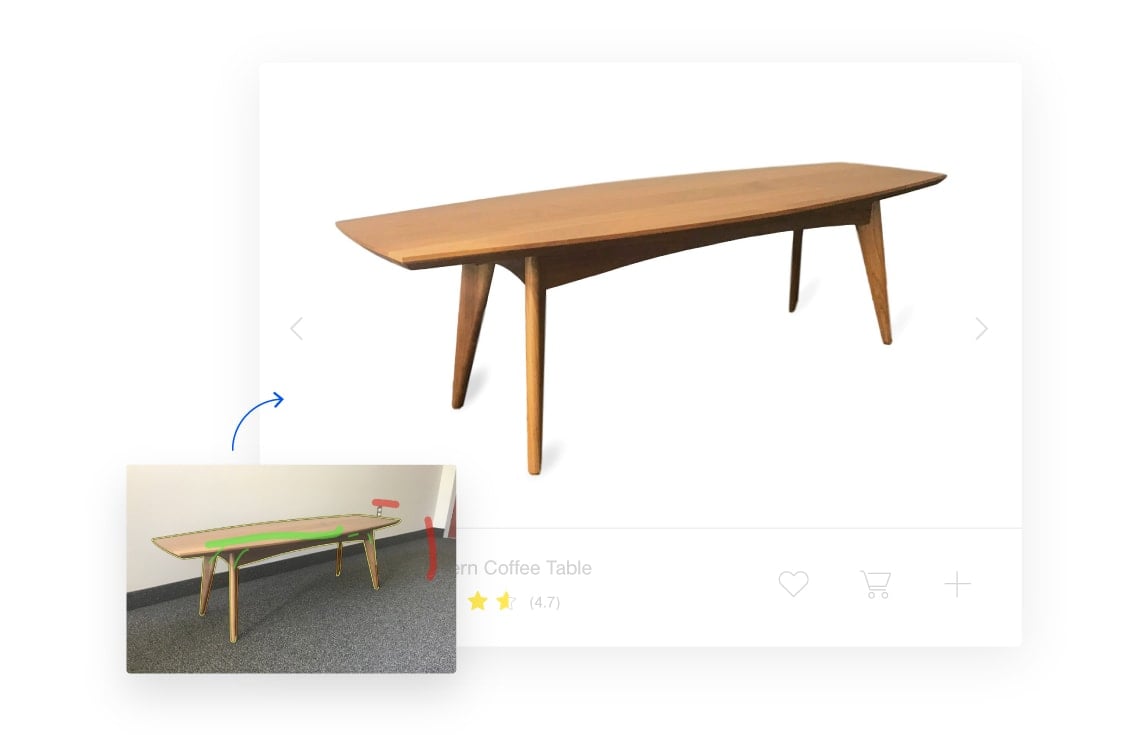
- remove.bg — hosted, fast, the brand-name option. No longer the cheapest — PhotoRoom and API4AI undercut it for bulk work.
- Clipping Magic — hosted, marginally more configurable, with a nice user interface. The pick when we have a hard cutout (hair, fur, glass) and want manual scalpel/refinement tools.
- BiRefNet — open-weights, scriptable, near-SOTA quality (Zheng et al. 2024). PyTorch + MPS works with no extra setup; ~3.5GB at 1024², trivial on a 16GB Mac.
- RMBG-2.0 (Bria) — a BiRefNet derivative with proprietary training; current SOTA on difficult backgrounds per Bria’s own benchmark. Same Mac install footprint as BiRefNet. The licence is Bria RAIL-M — research and personal use only. The HF download page makes it look open; it isn’t.
2.2 Upscaling and super-resolution
- Topaz Gigapixel — paid, the polished commercial option for photographic upscaling, especially faces and skin. Native Apple Silicon, just works.
- Upscayl — free, open-source, drag-and-drop GUI wrapping the Real-ESRGAN family (Wang, Xie, et al. 2021) and community variants like 4x-UltraSharp; the broader catalogue lives at OpenModelDB. Real-ESRGAN’s upstream repo has been dormant for ~2 years, but the weights live on through Upscayl, ChaiNNer and ComfyUI; that’s how most people now use them. Upscayl runs Vulkan via MoltenVK on Apple Silicon — fast enough for occasional use, less efficient than a Metal-native tool.x
2.3 Object removal and inpainting
- cleanup.pictures — quick browser tool for removing people, text, and small defects from a single image. Increasingly redundant against frontier multimodal editors and against Photoshop, but handy for one-offs. Local/scriptable counterpart: IOPaint, which wraps the same LaMa backbone and runs on MPS.
- For heavier inpainting workflows — mask + prompt, control over what fills the hole, regional generation — the local diffusion clients (ComfyUI, InvokeAI, Draw Things) all do this on top of Stable Diffusion / Flux / SDXL backbones.
2.4 Face restoration
GFPGAN (Wang, Li, et al. 2021) and CodeFormer (Zhou et al. 2022) are the standard open-weights face restorers, both in long-term maintenance and available as ChaiNNer nodes. For most cases now we let Kontext or Nano Banana fix the face as a side effect of any other edit.
2.5 Document cleanup, old-skool
ScanTailor Advanced does content-aware cropping, dewarping, and background removal of scanned documents. Strictly classical computer vision — no generative model — but the use case is alive and nothing generative replaces it for batch book-scan work. The actively-maintained ARM64 fork is the vigri branch (Qt6, 3D dewarp); the older yb85/scantailor-advanced-osx bundle still works for the legacy lineage.